Charging cables might seem like a minor accessory, but the wrong one can cause major problems for yoursmartphone, tablet, or laptop. While inexpensive
Charging cables might seem like a minor accessory, but the wrong one can cause major problems for your smartphone, tablet, or laptop. While inexpensive or counterfeit cables may look like a bargain, they can damage your device, pose safety risks, and end up costing you far more in repairs or replacements.
1. How Cheap or Counterfeit Cables Cause Damage
Not all charging cables are built to the same standards. Low-quality cables often lack proper shielding, use substandard materials, and fail to meet manufacturer specifications. These flaws can lead to:
- Overheating: Thin wires and poor insulation can cause excessive heat, damaging your charging port or battery.
- Voltage Fluctuations: Unstable power delivery can shorten your batterys lifespan or fry internal components.
- Port Wear and Tear: Incorrectly sized connectors can bend or damage the delicate pins inside your devices charging port.
- Fire Hazards: Faulty insulation or wiring can cause sparks or fires.
2. The Safety Risks You Might Not Consider
Cheap cables often lack proper safety certifications such as UL (Underwriters Laboratories) orFi M (Made for iPhone). Without these safeguards, youre at higher risk of:
- Electric shocks while handling the cable.
- Device malfunctions due to inconsistent power supply.
- Complete device failure from a short circuit.
3. How to Identify a Quality Charging Cable
- Check for Certifications: Look for MFi (Apple) or USB-IF (USB Implementers Forum) approval.
- Inspect the Build: High-quality cables feel sturdy, with reinforced connectors and smooth, precise fittings.
- Purchase from Reputable Sellers: Avoid random online vendors or unknown marketplace listings.
- Compare Weight and Thickness: Quality cables tend to be slightly heavier and thicker due to proper shielding.
4. Long-Term Impact on Your Device
Using a poor-quality cable might not cause immediate damage, but over time you could face:
- A charging port that becomes loose or stops working.
- A battery that loses capacity much faster than expected.
- Permanent damage to internal charging circuits.
5. Best Practices for Safe Charging
- Invest in original or certified third-party cables.
- Avoid using frayed or damaged cables.
- Disconnect your charger when the device reaches 100% to prevent unnecessary wear.
- Store cables properly to avoid bends and breaks.
Bottom Line
A $5 counterfeit cable can end up costing hundreds in repairs. Choosing a high-quality, certified charging cable is a small investment that protects your device, your data, and your safety
Return to the list of posts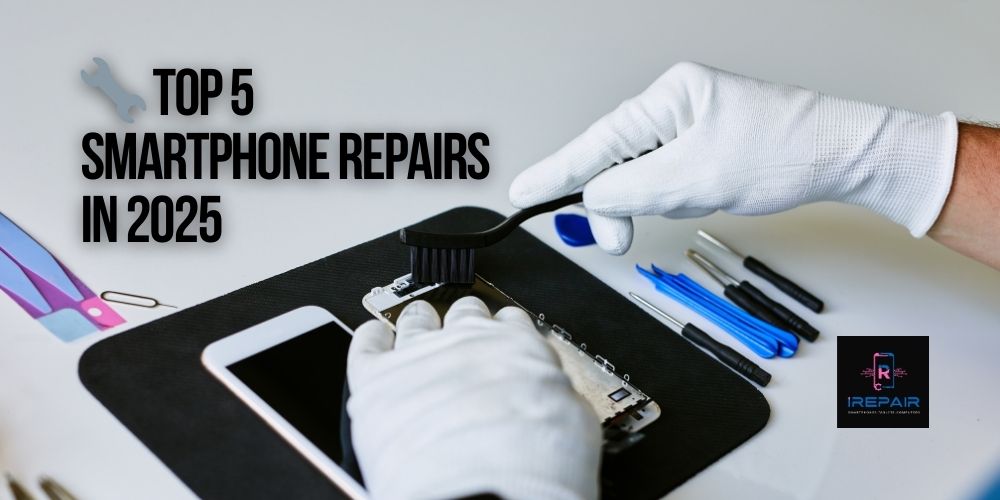
Smartphones are more advanced and stylish than ever in 2025, yet even top-tier models from Apple, Samsung, Xiaomi, and Motorola remain vulnerable
Read more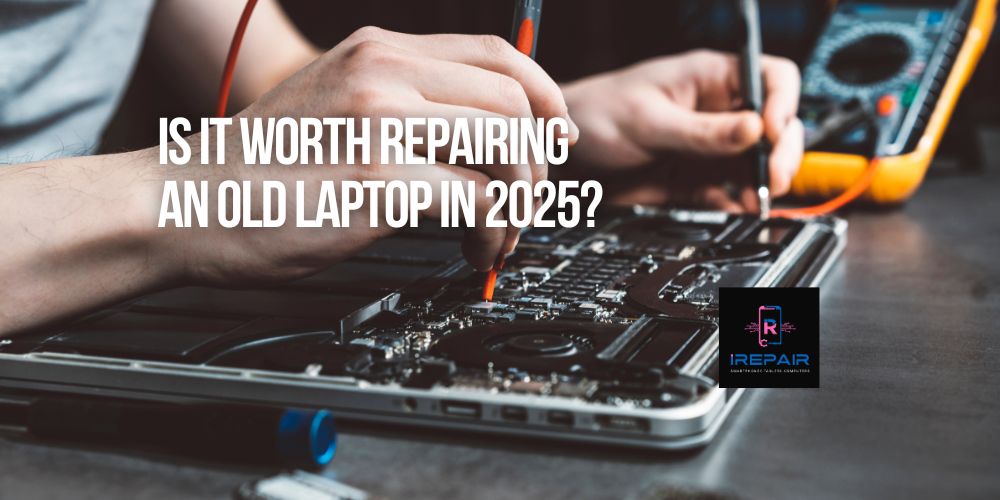
If you're still using an older laptop from brands like HP, Dell, Lenovo, Acer, or Apple, you're not alone.
Read more
In today’s digital era, your laptop is more than just a tool — it’s your mobile office, your entertainment hub, and often, the heart of your business.
Read more
Smartphones are essential to our daily lives,
Read more
It’s a common and frustrating issue: you plug in your phone, but nothing happens. No charging symbol.
Read more
In the smartphone world, it's increasingly common to find phones that look original but are actually replicas or clones.
Read more
When your phone, tablet, or computer needs repair, trusting just anyone can be risky.
Read more
One of the most frequent complaints we hear at iRepairMobileIndy is: "Why is my phone charging so slowly?"
Read more
At iRepair Mobile Indy, we know it’s easy to dismiss a faulty charging port as just an inconvenience.
Read more
At iRepair Mobile Indy, we’ve seen countless gamers frustrated when their console suddenly won’t display video.
Read more