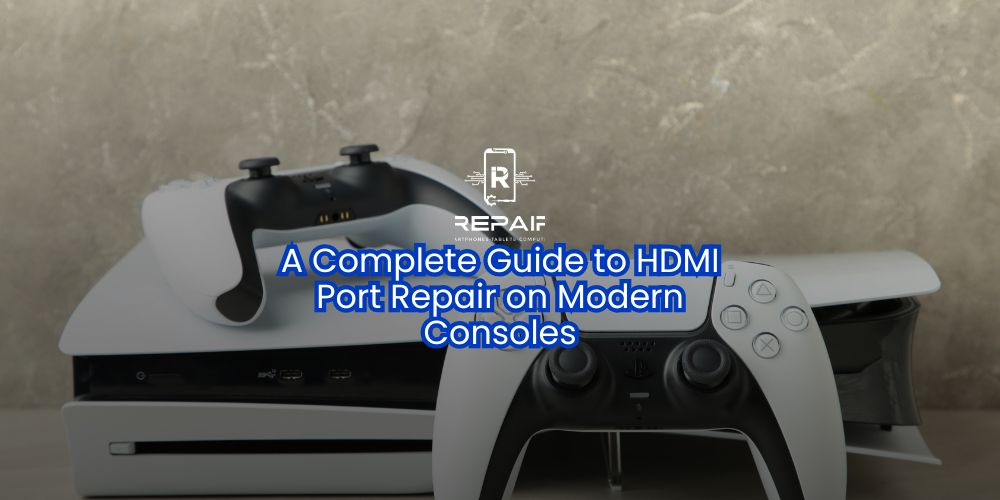
At iRepair Mobile Indy, we’ve seen countless gamers frustrated when their console suddenly won’t display video.
Modern gaming consoles like the PlayStation 5, Xbox Series X|S, and Nintendo Switch deliver breathtaking graphics and immersive gameplay. But there’s one small component that can bring your entire experience to a halt — the HDMI port.
At iRepair Mobile Indy, we’ve seen countless gamers frustrated when their console suddenly won’t display video. This guide explains why HDMI ports fail, how to spot the signs of damage, why professional repair is essential, how to prevent future problems, and whether repair or replacement is the right choice for you.
Every time you connect your console to your TV, the HDMI port is in use. Over time, normal wear or a single accident can cause issues. Common causes include:
Physical strain on the cable: Pulling the cable at an angle or tripping over it.
Improper insertion: Forcing the HDMI plug can bend or break internal pins.
Low-quality cables: Cheap cables may not fit properly, wearing out the port.
Dust or debris: Dirt buildup can interfere with the signal.
Insufficient space behind the console: Bending or pressing the cable against a wall causes stress on the port.
Normal wear and tear: Frequent use wears down contact points over time.
No video output at all.
Flickering or distorted images.
“No Signal” messages on your TV.
Needing to wiggle the cable to get a picture.
HDMI ports are soldered directly to the console’s motherboard. Fixing them requires micro-soldering skills, specialized tools, and experience.
At iRepair Mobile Indy, our repair process includes:
Using precision soldering equipment for a lasting, solid connection.
Inspecting the motherboard for hidden damage.
Running extensive post-repair tests to guarantee perfect video output.
Pros:
Far cheaper than buying a new console.
Keeps your saved games, settings, and data.
Eco-friendly — reduces e-waste.
Cons:
If your console has other major issues, replacement might be a better choice.
Some severe damage may require additional parts.
Use high-quality HDMI cables with a proper, snug fit.
Avoid moving your console while it’s connected to the TV.
Use cable management clips to prevent trips and tugs.
Insert and remove HDMI cables gently, holding the connector — not the cable.
Leave enough space behind your console to prevent bending or twisting the cable.
If your console shows any HDMI port damage symptoms, don’t delay. Continuing to use it could worsen the problem and even damage the motherboard.
Bring your console to iRepair Mobile Indy for a professional evaluation. We’ll tell you exactly what’s wrong and get you back to gaming without missing a beat.
📍 Visit iRepair Mobile Indy
9988 E Washington St, Indianapolis, IN 46229
📞 (317) 966-7036
🕒 Mon–Fri: 10:00 a.m.–7:00 p.m. | Sat: 10:00 a.m.–5:00 p.m. | Sun: Closed
🌐 iRepairMobileIndy.com
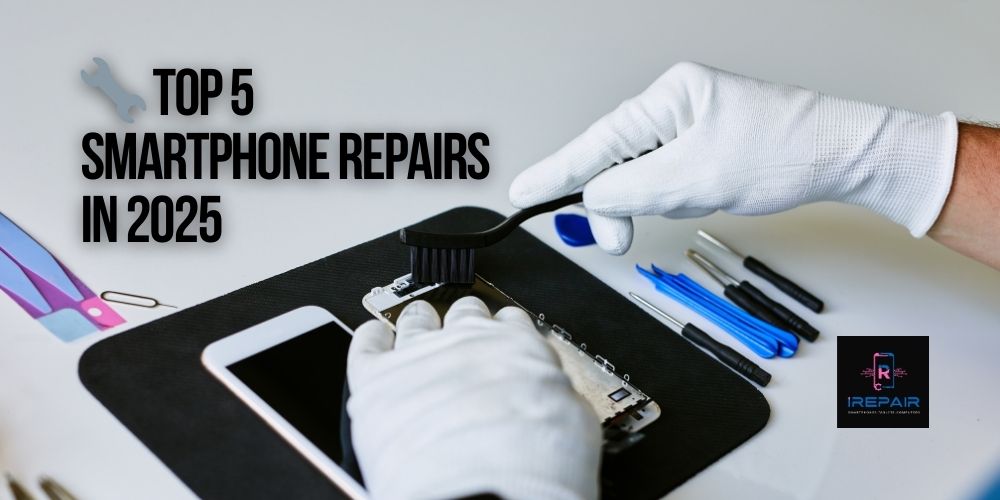
Smartphones are more advanced and stylish than ever in 2025, yet even top-tier models from Apple, Samsung, Xiaomi, and Motorola remain vulnerable
Read more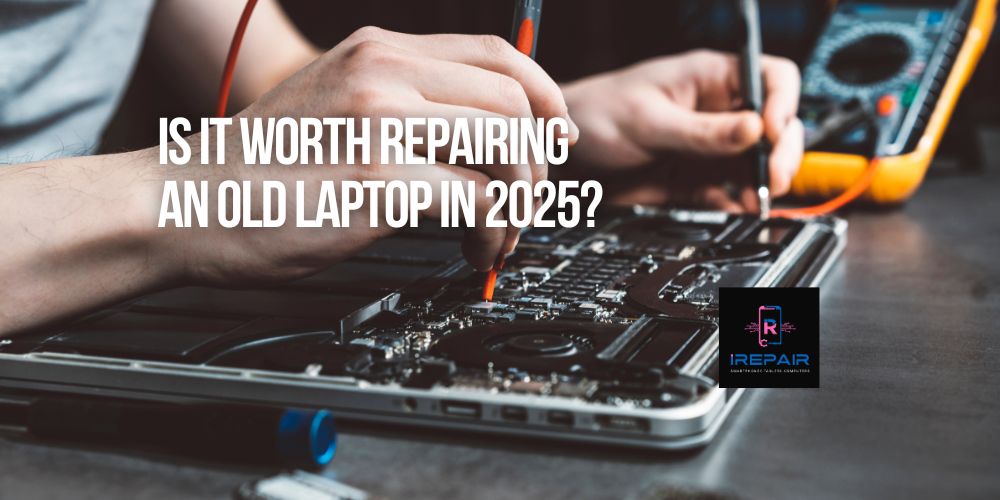
If you're still using an older laptop from brands like HP, Dell, Lenovo, Acer, or Apple, you're not alone.
Read more
In today’s digital era, your laptop is more than just a tool — it’s your mobile office, your entertainment hub, and often, the heart of your business.
Read more
Smartphones are essential to our daily lives,
Read more
It’s a common and frustrating issue: you plug in your phone, but nothing happens. No charging symbol.
Read more
In the smartphone world, it's increasingly common to find phones that look original but are actually replicas or clones.
Read more
When your phone, tablet, or computer needs repair, trusting just anyone can be risky.
Read more
One of the most frequent complaints we hear at iRepairMobileIndy is: "Why is my phone charging so slowly?"
Read more
At iRepair Mobile Indy, we know it’s easy to dismiss a faulty charging port as just an inconvenience.
Read more
At iRepair Mobile Indy, we’ve seen countless gamers frustrated when their console suddenly won’t display video.
Read more