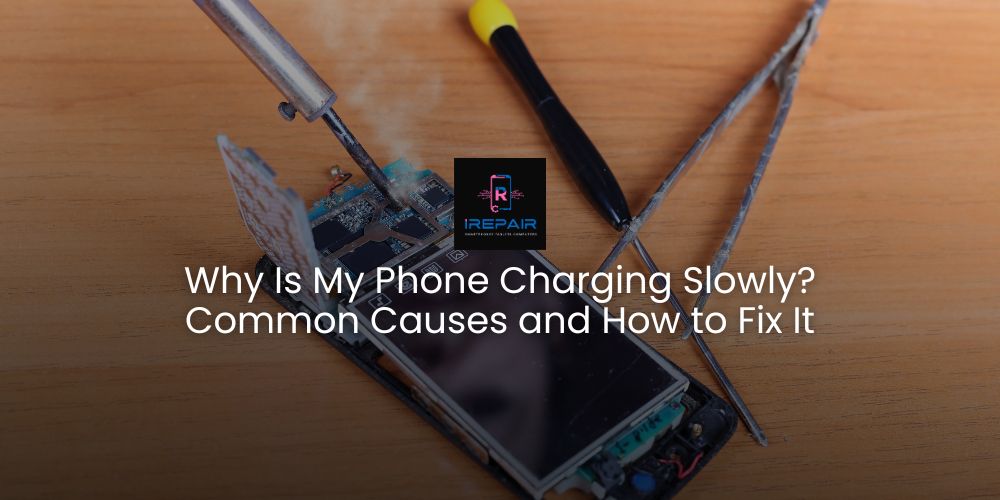
One of the most frequent complaints we hear at iRepairMobileIndy is: "Why is my phone charging so slowly?"
A phone that takes hours to charge can be frustrating, especially when you rely on it all day. The good news is that most of these issues have identifiable causes and solutions. Let us guide you through the most common reasons and what you can do about them.
1. Faulty or Low-Quality Charging Cable and Adapter
Not all chargers are created equal. Using a low-quality or damaged cable can significantly slow down your charging speed. Always use certified cables and adapters, preferably from the original manufacturer or a reputable brand. Cheap alternatives may not provide the necessary power output and can even damage your device.
2. Dirt or Debris in the Charging Port
Over time, lint, dust, or dirt can accumulate inside the charging port, preventing a proper connection. This can restrict the flow of power, making the phone charge slowly or intermittently.
How to fix it:
Gently inspect the port with a flashlight.
Use a soft brush, compressed air, or a toothpick to carefully remove any debris.
Never use metal objects that could damage the port.
3. Background Apps and Software Issues
If you have too many apps running in the background, they can consume power while your phone is charging, reducing efficiency. Software bugs can also affect battery performance and charging speed.
How to fix it:
Close unnecessary apps.
Restart your phone regularly.
Keep your software updated to ensure optimal performance.
4. Battery Health Degradation
With time, batteries naturally lose capacity. A worn-out battery may not only charge slowly but also drain quickly. iPhones, for instance, allow you to check battery health in settings. If it's below 80%, replacement is recommended.
5. Charging from Low-Power Sources
Charging your phone from a laptop USB port or a car charger may not provide enough power compared to a wall adapter. Always use a direct wall outlet with a proper charger for the fastest and safest charging.
6. Defective Charging Port
If you've ruled out cables, chargers, and software, the issue might be the port itself. A damaged port needs professional repair to restore efficient charging.
Bonus Tip: Use Wireless Charging to Extend Your Battery and Port Life
Incorporating wireless charging, especially overnight, is a smart choice for preserving your device:
Preserve the Charging Port: Wireless charging eliminates constant plugging and unplugging, reducing wear and preventing damage or dirt accumulation in the port.
Gentle Overnight Charging: Quality wireless chargers provide a steady, lower power charge (typically 7-10W), which is less stressful for the battery compared to high-speed wired chargers.
Minimize Heat Impact: Although wireless charging can produce more heat, reputable brands include safety mechanisms and cooling systems. Always use certified accessories and avoid thick cases to maintain efficiency.
Convenience: Simply placing your phone on a charging pad at night is hassle-free and extends the lifespan of both your battery and the charging port.
At iRepairMobileIndy, we recommend combining wireless charging for overnight use with wired charging during the day when you need faster results. We also carry high-quality certified accessories to ensure safe and effective charging.
Why Trust iRepairMobileIndy for Charging Issues?
At iRepairMobileIndy, we specialize in diagnosing and repairing charging problems. Whether it’s a faulty port, a weak battery, or other hardware issues, we provide reliable solutions using professional tools and certified parts.
We offer:
Conclusion
Slow charging can have many causes, but with proper diagnosis, it’s usually fixable. Don’t wait until your battery is completely dead. Visit iRepairMobileIndy and let us help you get your device back to peak performance.
9988 E Washington St, Indianapolis, IN 46229
Tel: (317) 966-7036
Hours: Monday to Friday 10:00 a.m. to 7:00 p.m. / Saturdays 10:00 a.m. to 5:00 p.m.
Return to the list of posts
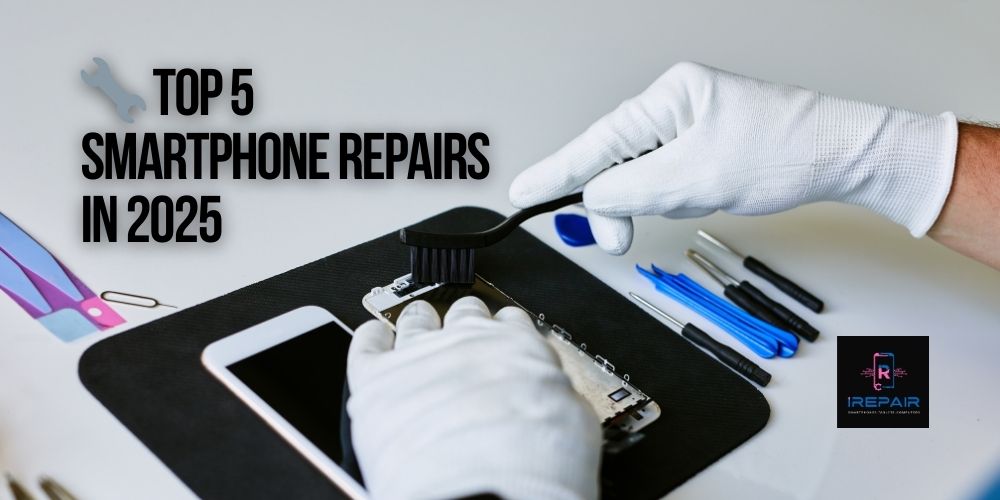
Smartphones are more advanced and stylish than ever in 2025, yet even top-tier models from Apple, Samsung, Xiaomi, and Motorola remain vulnerable
Read more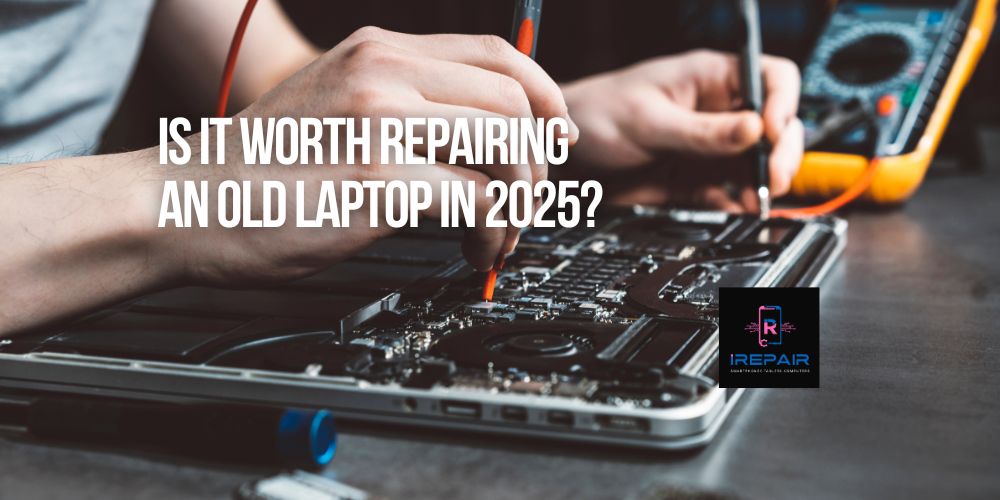
If you're still using an older laptop from brands like HP, Dell, Lenovo, Acer, or Apple, you're not alone.
Read more
In today’s digital era, your laptop is more than just a tool — it’s your mobile office, your entertainment hub, and often, the heart of your business.
Read more
Smartphones are essential to our daily lives,
Read more
It’s a common and frustrating issue: you plug in your phone, but nothing happens. No charging symbol.
Read more
In the smartphone world, it's increasingly common to find phones that look original but are actually replicas or clones.
Read more
When your phone, tablet, or computer needs repair, trusting just anyone can be risky.
Read more
One of the most frequent complaints we hear at iRepairMobileIndy is: "Why is my phone charging so slowly?"
Read more
At iRepair Mobile Indy, we know it’s easy to dismiss a faulty charging port as just an inconvenience.
Read more
At iRepair Mobile Indy, we’ve seen countless gamers frustrated when their console suddenly won’t display video.
Read more