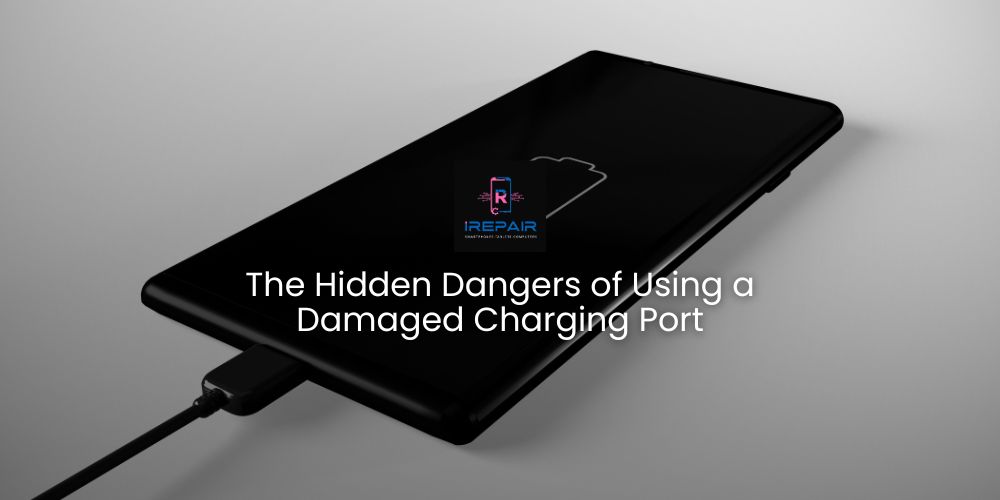
At iRepair Mobile Indy, we know it’s easy to dismiss a faulty charging port as just an inconvenience.
But the truth is, a damaged port can cause much more serious problems than a slow or unreliable charge.
In this article, we’ll uncover the hidden risks, explain why quick action matters, and share expert tips to prevent long-term damage.
Your device’s charging port is one of the most used components on smartphones, tablets, and laptops, making it especially prone to wear and tear. The most common causes include:
Physical stress: Forcing the cable, pulling it at an angle, or using your device while charging.
Debris buildup: Dust, lint, or pocket debris can block proper contact.
Moisture exposure: Even light humidity or small spills can corrode internal pins.
Low-quality accessories: Cheap cables or chargers can overheat, misalign, and damage the port.
Design wear: Over time, repeated use can weaken structural support.
It’s not just about poor charging performance. A faulty charging port can lead to:
Short circuits: Bent or broken pins can cause unintended electrical connections, damaging the motherboard.
Overheating: Poor contact increases resistance, creating heat that harms the battery or internal components.
Battery degradation: Unstable charging cycles shorten battery lifespan.
Complete device failure: In severe cases, the device may become unusable.
If you have to wiggle the cable to make your device charge, you’re making the problem worse. This habit:
Puts extra strain on the port.
Damages internal pins further.
Creates unstable power flow that affects charging speed and device stability.
Addressing charging port issues early can:
Prevent motherboard damage.
Extend battery life by ensuring stable charging.
Save you money on costly repairs later.
Reduce the risk of sudden shutdowns when you need your device most.
Our professional repair process includes:
Comprehensive diagnosis: Checking for debris, corrosion, pin alignment, and solder integrity.
Safe cleaning: Removing dust or lint without damaging contacts.
Repair or replacement: Re-soldering or replacing the port depending on the severity.
Post-repair testing: Verifying charging speed, data transfer, and port durability.
Final quality check: Ensuring your device is reliable before returning it to you.
Attempting to fix it yourself may seem harmless, but it can:
Break delicate pins or bend connectors.
Cause static discharge that damages the motherboard.
Lead to poor-quality replacements that fail quickly.
Leave hidden solder cracks that worsen over time.
Avoid using your device while it’s charging.
Keep your device in a clean, dry place.
Only use certified, high-quality cables and chargers.
Keep pockets, bags, and cases free from dust and lint.
Leave space around the cable to prevent bending.
Consider using a certified Qi wireless charger to reduce physical wear.
A damaged charging port is more than a minor inconvenience — it’s a gateway to bigger, more expensive problems. Acting quickly and choosing professional repair services is the best way to keep your device safe and running for years to come.
At iRepair Mobile Indy, every charging port repair goes through strict quality checks so you can charge your device with total confidence.
Return to the list of posts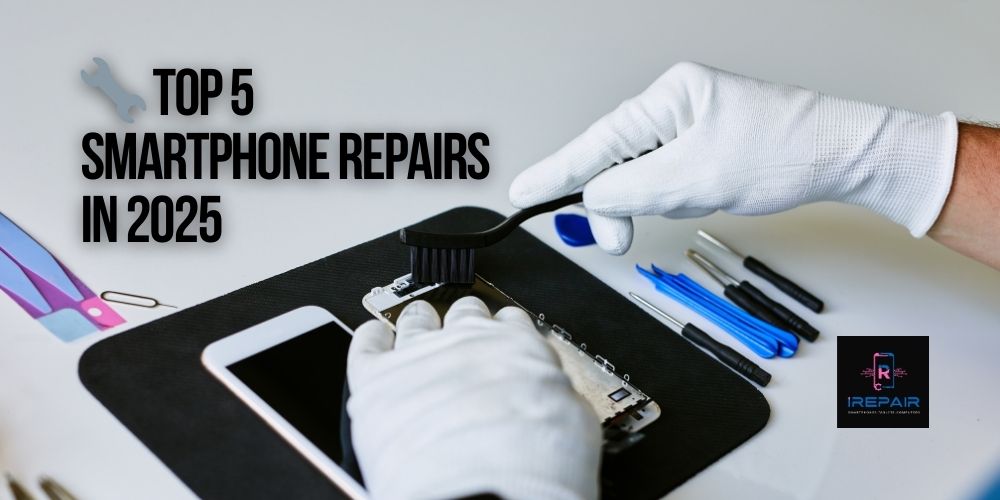
Smartphones are more advanced and stylish than ever in 2025, yet even top-tier models from Apple, Samsung, Xiaomi, and Motorola remain vulnerable
Read more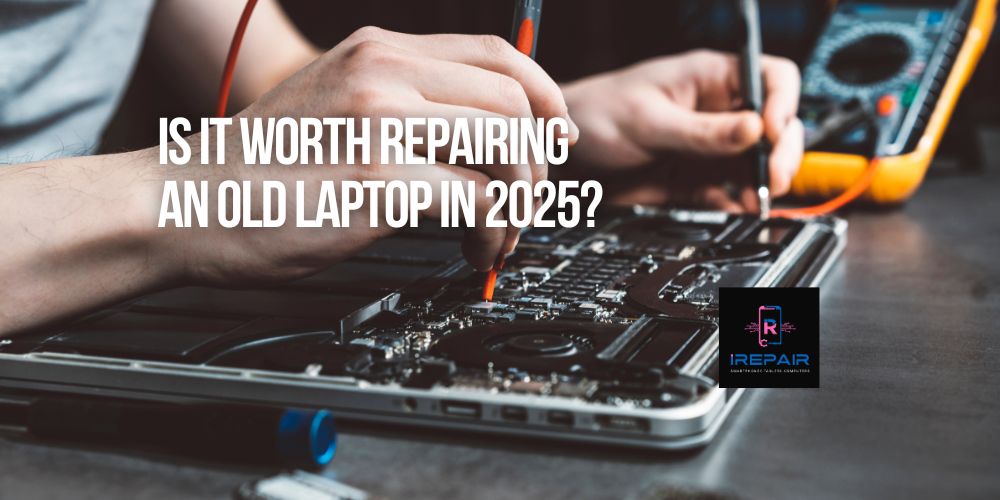
If you're still using an older laptop from brands like HP, Dell, Lenovo, Acer, or Apple, you're not alone.
Read more
In today’s digital era, your laptop is more than just a tool — it’s your mobile office, your entertainment hub, and often, the heart of your business.
Read more
Smartphones are essential to our daily lives,
Read more
It’s a common and frustrating issue: you plug in your phone, but nothing happens. No charging symbol.
Read more
In the smartphone world, it's increasingly common to find phones that look original but are actually replicas or clones.
Read more
When your phone, tablet, or computer needs repair, trusting just anyone can be risky.
Read more
One of the most frequent complaints we hear at iRepairMobileIndy is: "Why is my phone charging so slowly?"
Read more
At iRepair Mobile Indy, we know it’s easy to dismiss a faulty charging port as just an inconvenience.
Read more
At iRepair Mobile Indy, we’ve seen countless gamers frustrated when their console suddenly won’t display video.
Read more