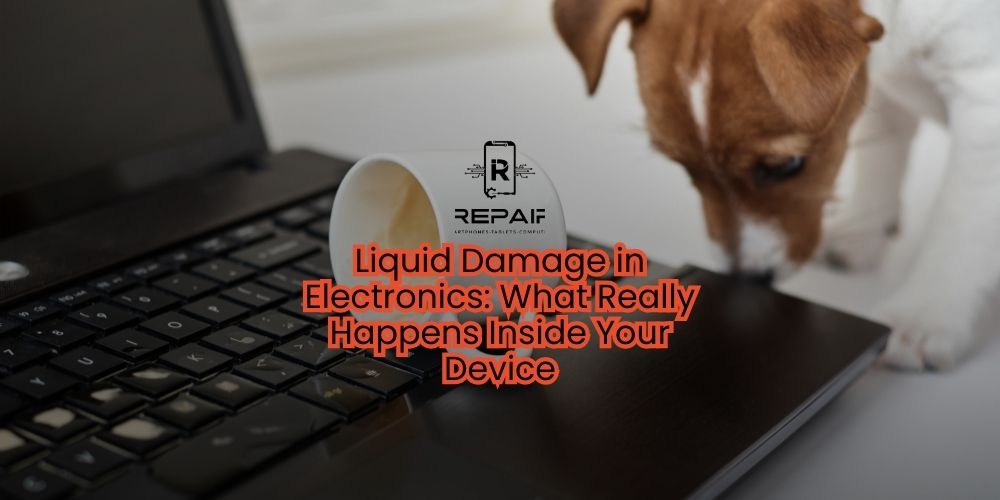
Liquid damage is one of the most misunderstood problems affecting devices like Apple iPhones, Samsung Galaxy phones,
Dell laptops, Sony PlayStation consoles, and Microsoft Xbox systems.
It’s not just about getting wet — it’s about how ions, corrosion, and electricity interact with tiny, delicate circuits inside your device.
At iRepair Mobile Indy, we’ve seen everything from a single coffee spill to full submersion, and we know that quick action makes the difference between a working device and a costly loss.
Liquids can enter through speaker grills, SIM trays, seams, cracked glass, vents, and ports. Once inside, three damaging processes begin:
Short circuits: Minerals in the liquid conduct electricity, connecting pins that should never touch.
Ionic contamination: Even after drying, minerals and residues remain, staying conductive and corrosive.
Galvanic corrosion: Moisture, oxygen, and voltage slowly eat away copper pads and traces over time.
Common entry points by device type:
Phones/Tablets: Speaker/mic grills, SIM tray, charging port, cracked glass.
Laptops: Keyboard gaps, trackpad seams, vents, side ports.
Gaming Consoles: Vents, USB/HDMI ports, fan openings.
Minutes: Shutdown, random reboots, or moisture detection warnings.
Hours: Residue dries and corrosion begins.
Days–Weeks: Visible corrosion, battery swelling, display lines, or complete failure.
Power off the device.
Unplug all accessories.
Remove the case and SIM tray.
Keep upright with openings facing down.
Bring it to a professional repair shop within 24–48 hours.
❌ Don’t put it in rice — it won’t remove corrosion or residues.
❌ Don’t use hair dryers or ovens — heat can warp components.
❌ Don’t keep charging or using it.
❌ Don’t give it an alcohol bath at home.
❌ Don’t shake or spin the device — it spreads the liquid further.
Triage & documentation to assess severity.
Safe disassembly to access affected areas.
Board cleaning & corrosion removal under a microscope.
Battery testing or replacement if compromised.
Full subsystem testing to verify performance.
Data-first workflow to prioritize saving your files.
Detailed report & estimate before final repair.
Best Case: Localized damage with quick, affordable repair.
Moderate: Multiple corroded areas — higher repair cost.
Severe: Widespread damage — may be limited to data recovery only.
Reduced water resistance.
Corrosion may return if not caught early.
Paired modules (like Face ID or Touch ID) could be affected.
Data recovery is not always guaranteed.
Avoid using devices near water sources.
Use high-quality protective cases and port plugs.
Replace cracked glass immediately.
Keep drinks away from laptops and gaming consoles.
Liquid damage is both a chemical and electrical issue. The faster you act, the better your chances of saving your device and your data. Professional cleaning, corrosion removal, and testing are the keys to recovery — and at iRepair Mobile Indy, we follow a strict process to give you the best possible outcome.
Return to the list of posts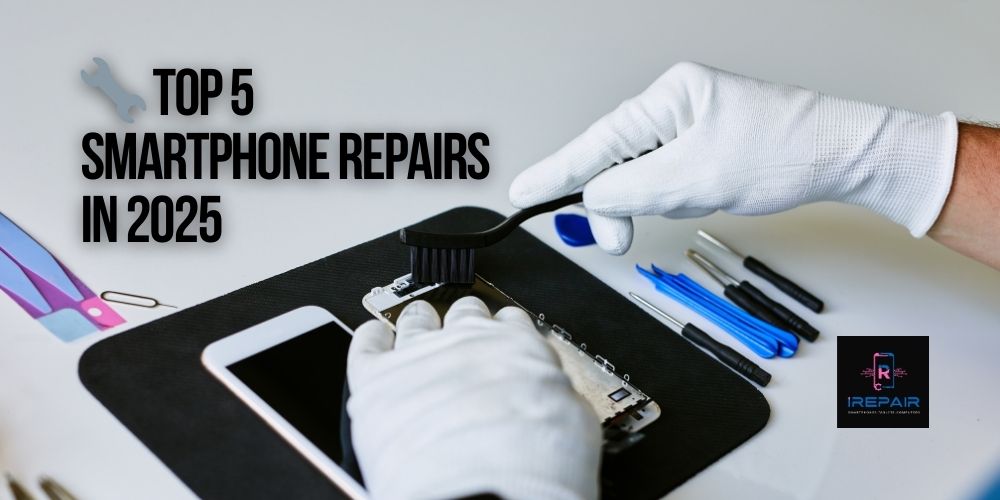
Smartphones are more advanced and stylish than ever in 2025, yet even top-tier models from Apple, Samsung, Xiaomi, and Motorola remain vulnerable
Read more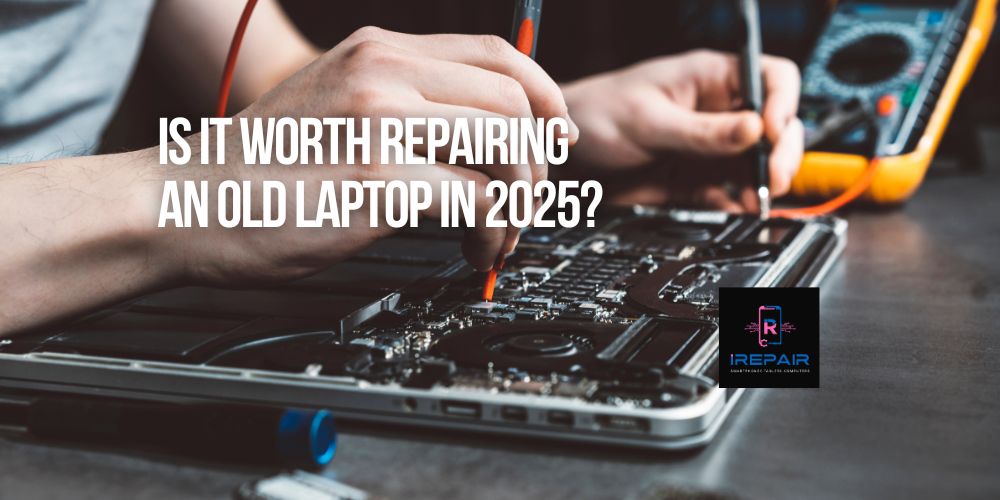
If you're still using an older laptop from brands like HP, Dell, Lenovo, Acer, or Apple, you're not alone.
Read more
In today’s digital era, your laptop is more than just a tool — it’s your mobile office, your entertainment hub, and often, the heart of your business.
Read more
Smartphones are essential to our daily lives,
Read more
It’s a common and frustrating issue: you plug in your phone, but nothing happens. No charging symbol.
Read more
In the smartphone world, it's increasingly common to find phones that look original but are actually replicas or clones.
Read more
When your phone, tablet, or computer needs repair, trusting just anyone can be risky.
Read more
One of the most frequent complaints we hear at iRepairMobileIndy is: "Why is my phone charging so slowly?"
Read more
At iRepair Mobile Indy, we know it’s easy to dismiss a faulty charging port as just an inconvenience.
Read more
At iRepair Mobile Indy, we’ve seen countless gamers frustrated when their console suddenly won’t display video.
Read more